

Basic Concepts
Create Records
You can create records in the following ways: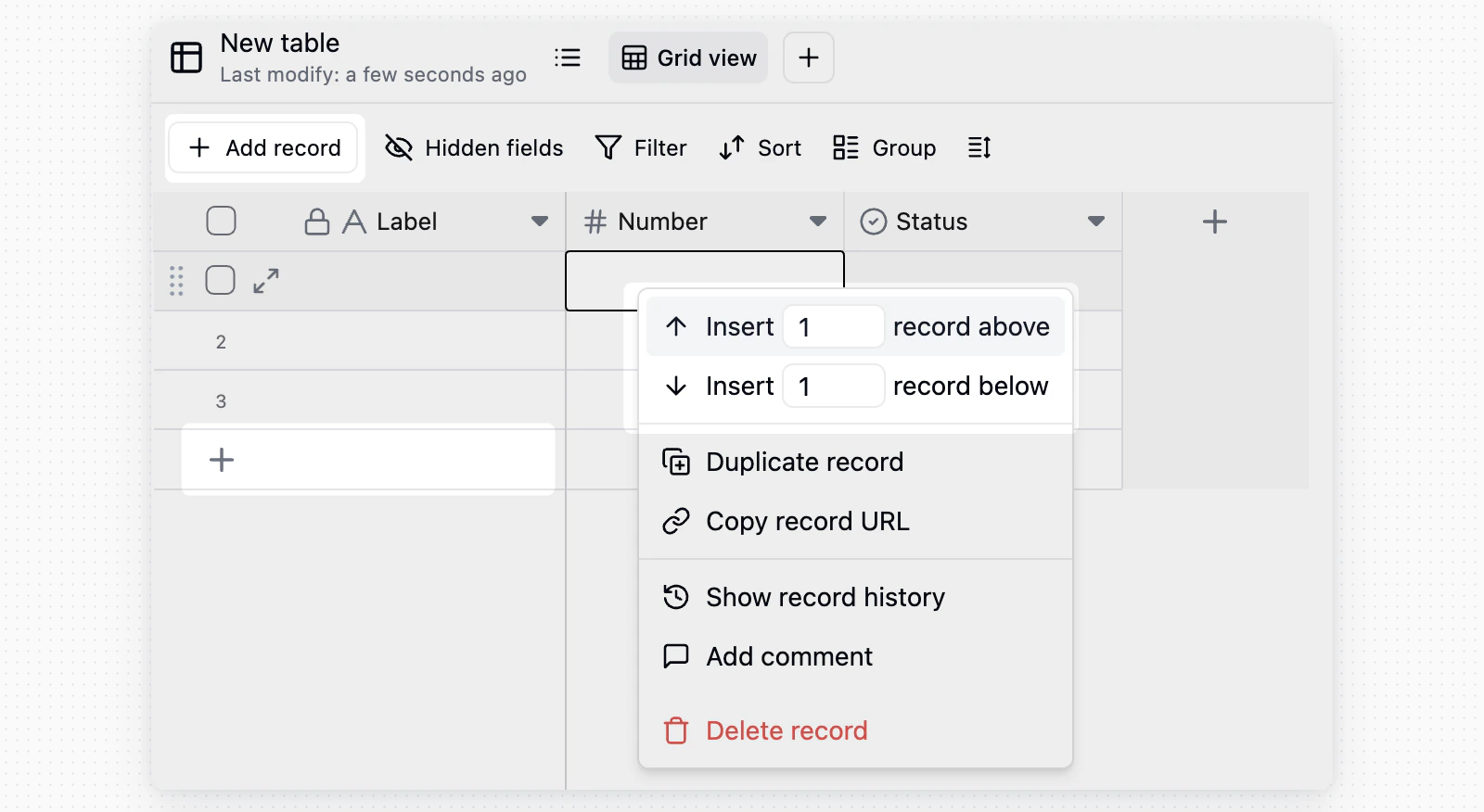
Edit Records
- Edit a cell: Click any cell and enter or change its content.
- Clear content: Select one or more cells, then press
DeleteorBackspace. - Bulk select: Drag with the mouse to select multiple cells or records, then edit, delete, or copy them.
- Copy and paste: Copy and paste one or more cells. If the pasted data has more rows than the current table, Teable automatically adds new rows.
Delete Records
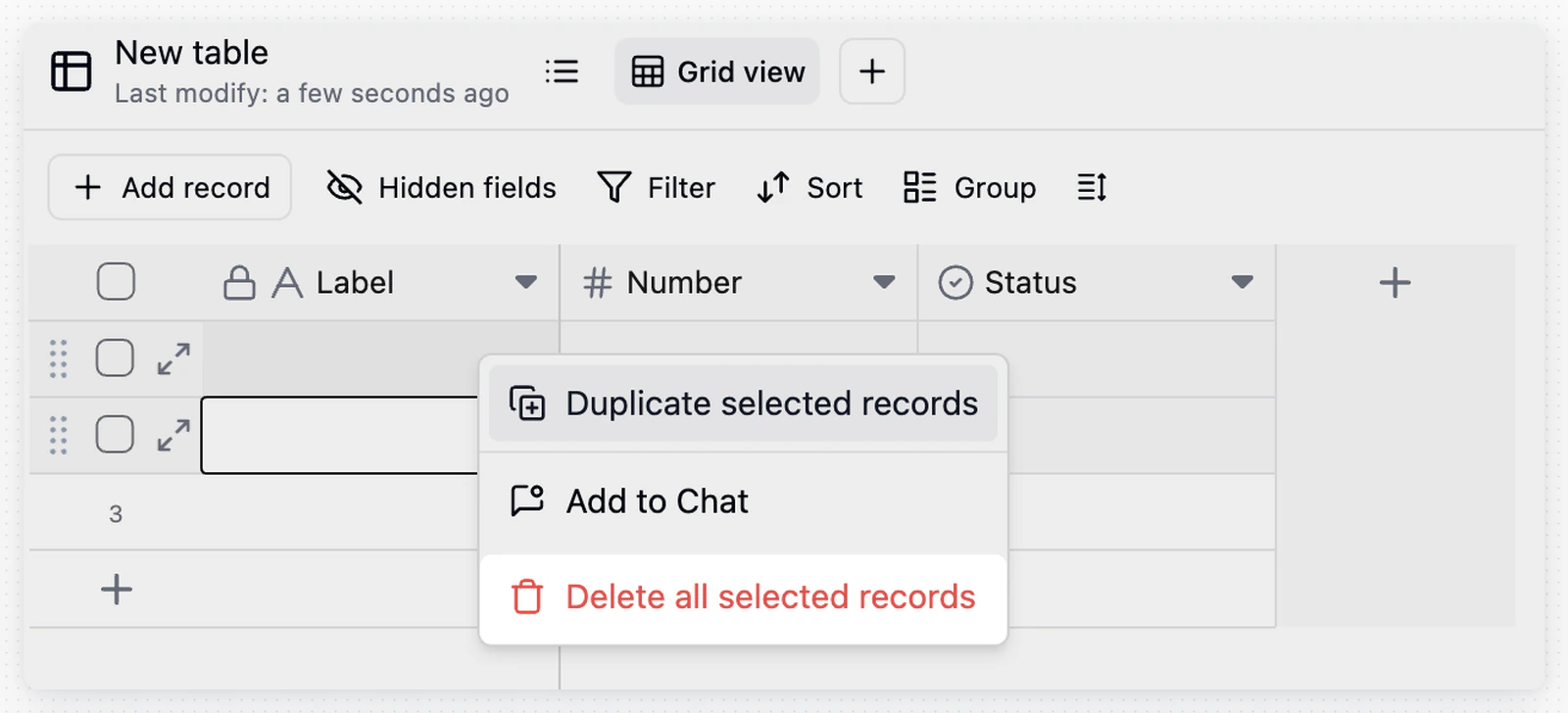
If another table links to the record through a Required Link field, Teable refuses the deletion and names the table and field that would be left empty. Point that link at another record, clear the Required setting on the field, or delete the linking records together with this one.
Record Details
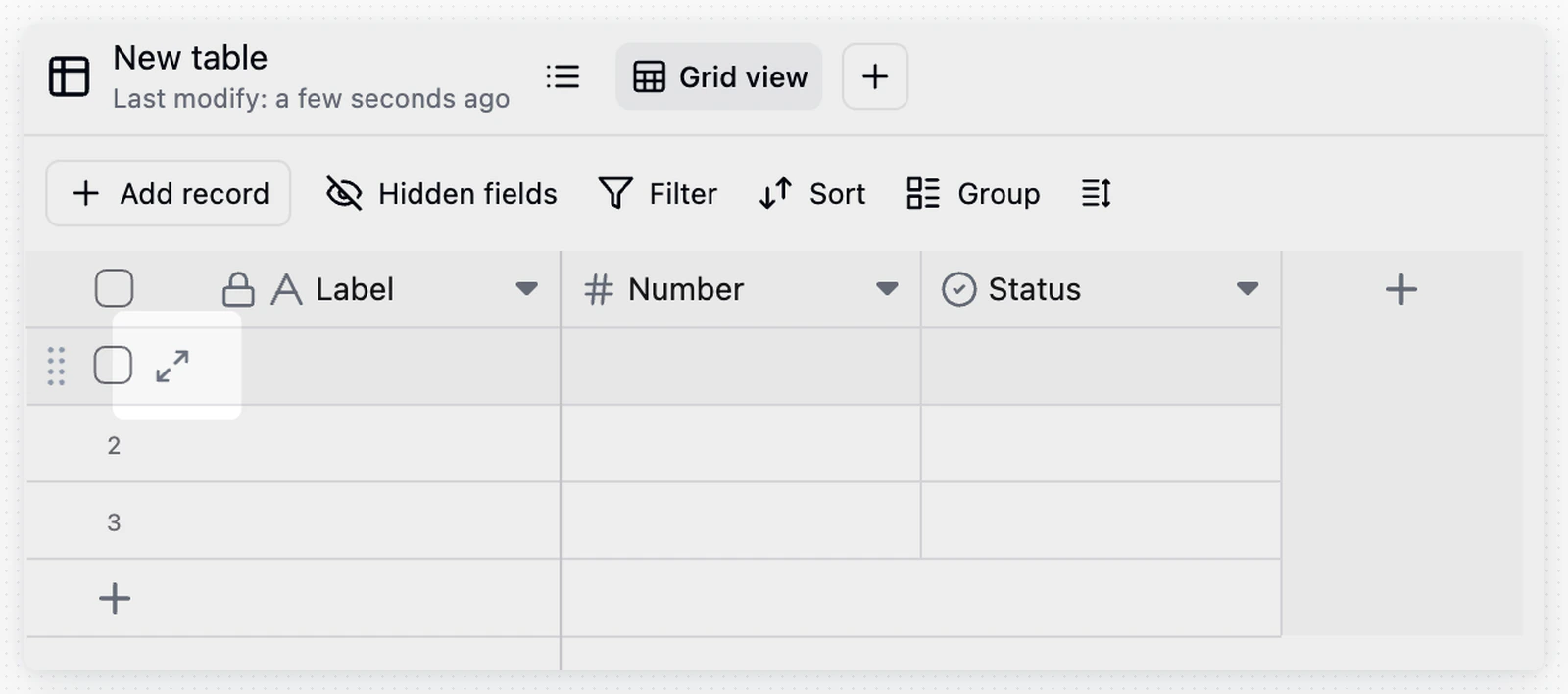
Collaboration and Tracking
Notes
- The primary field is used as the main display name of a record. Put recognizable information such as a name, task title, or order number in the primary field, instead of note-style content.
- Each record has a unique record ID. After opening the record detail card, the string in the browser URL that starts with
recis the record ID. - If you cannot edit some records, an administrator may have limited the editable scope through the Authority Matrix. See Authority Matrix.